Questions
The things worth knowing before you install.
Are my prompts or images ever uploaded?
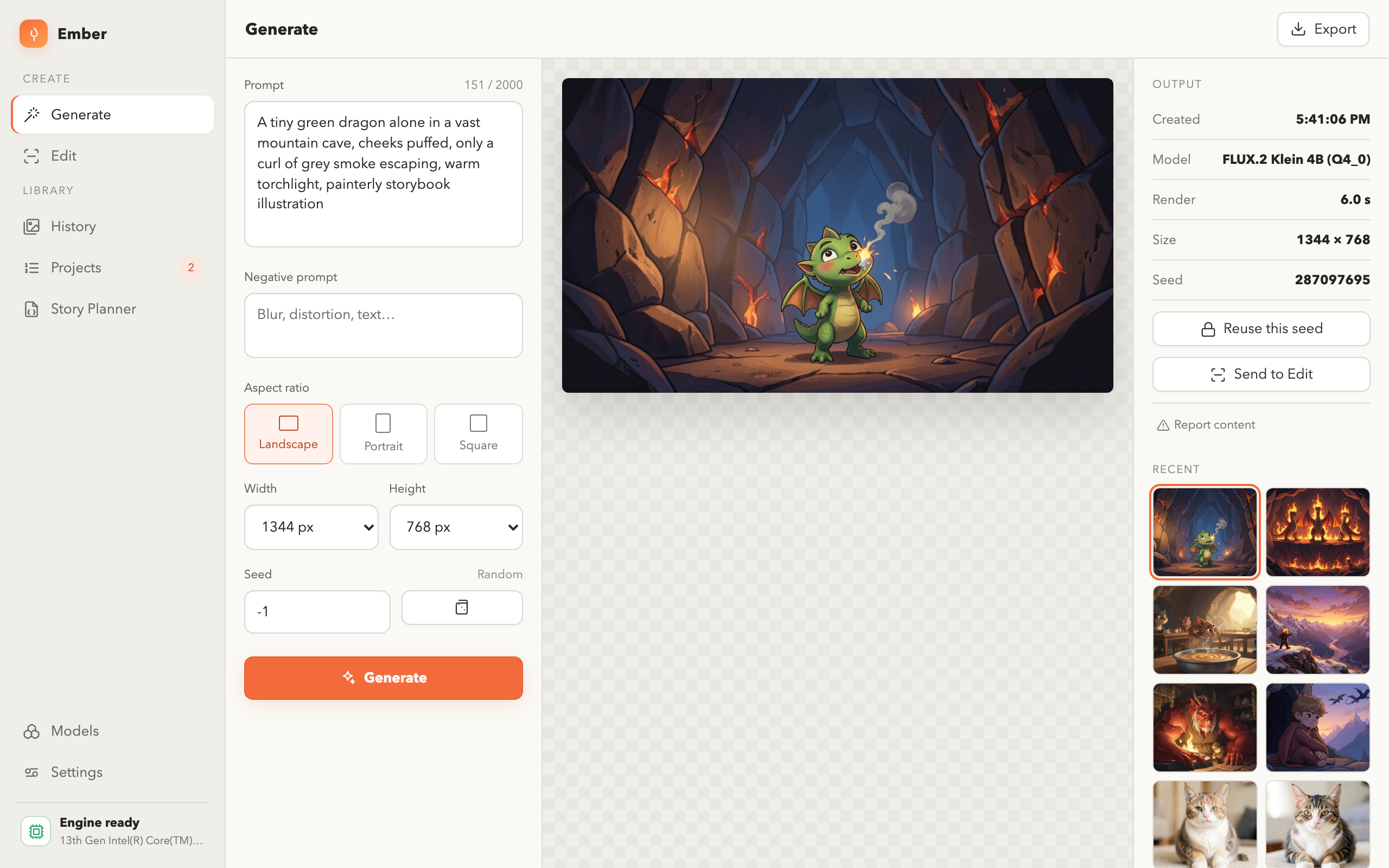
No. Generation and editing happen entirely on your own computer, and there is no
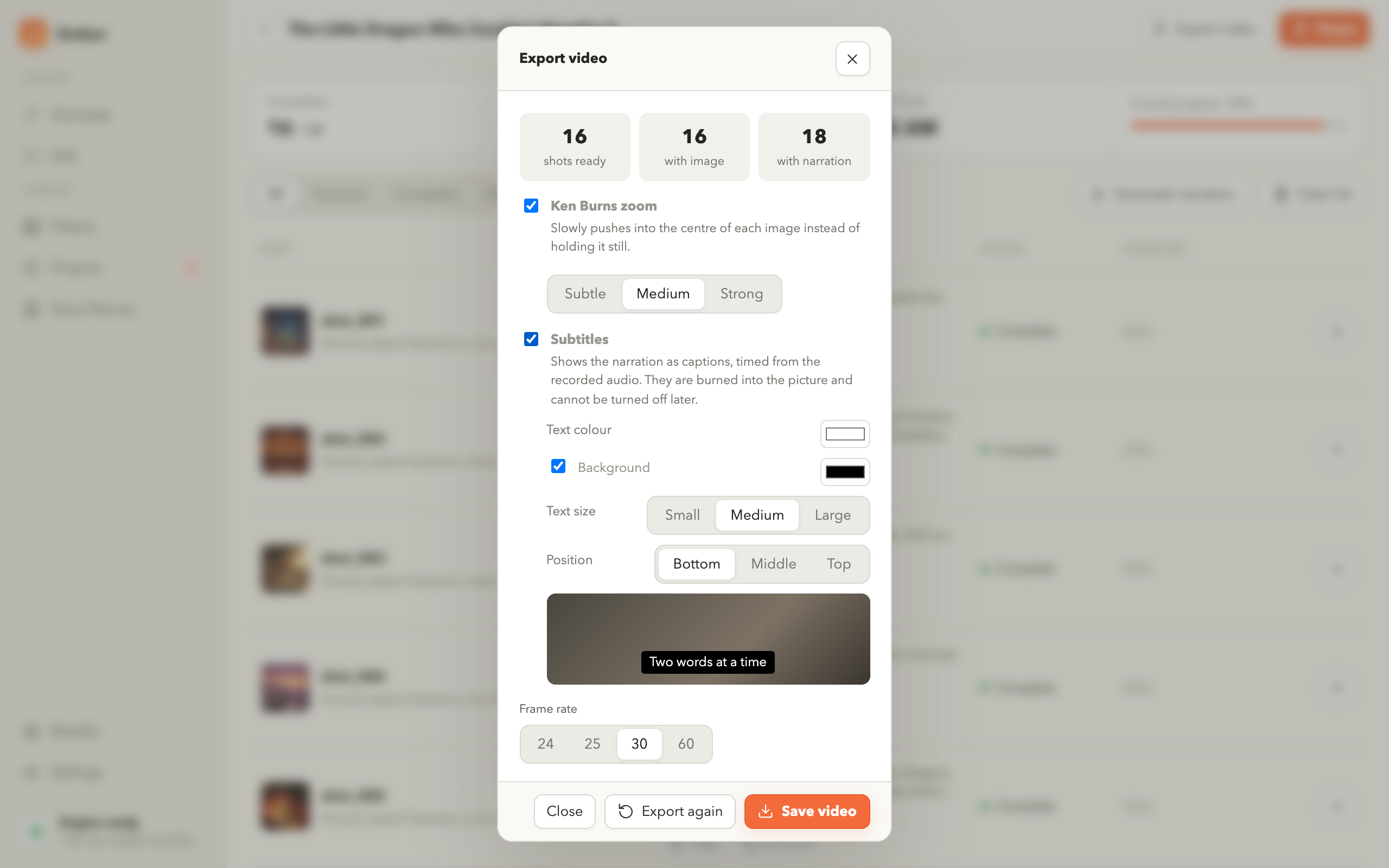
telemetry or analytics. The one exception is the narration used by video export: the
spoken voices are fetched over the internet when you export a video. Everything else
works with no connection at all.
Do I need an account?
No. There is no sign-in, no registration and no profile. Install the app and start
working.
Is there a subscription or a credit system?
No. Ember does not meter what you make. Because generation runs on your own hardware,
there is nothing to bill per image.
What do I need to run it?
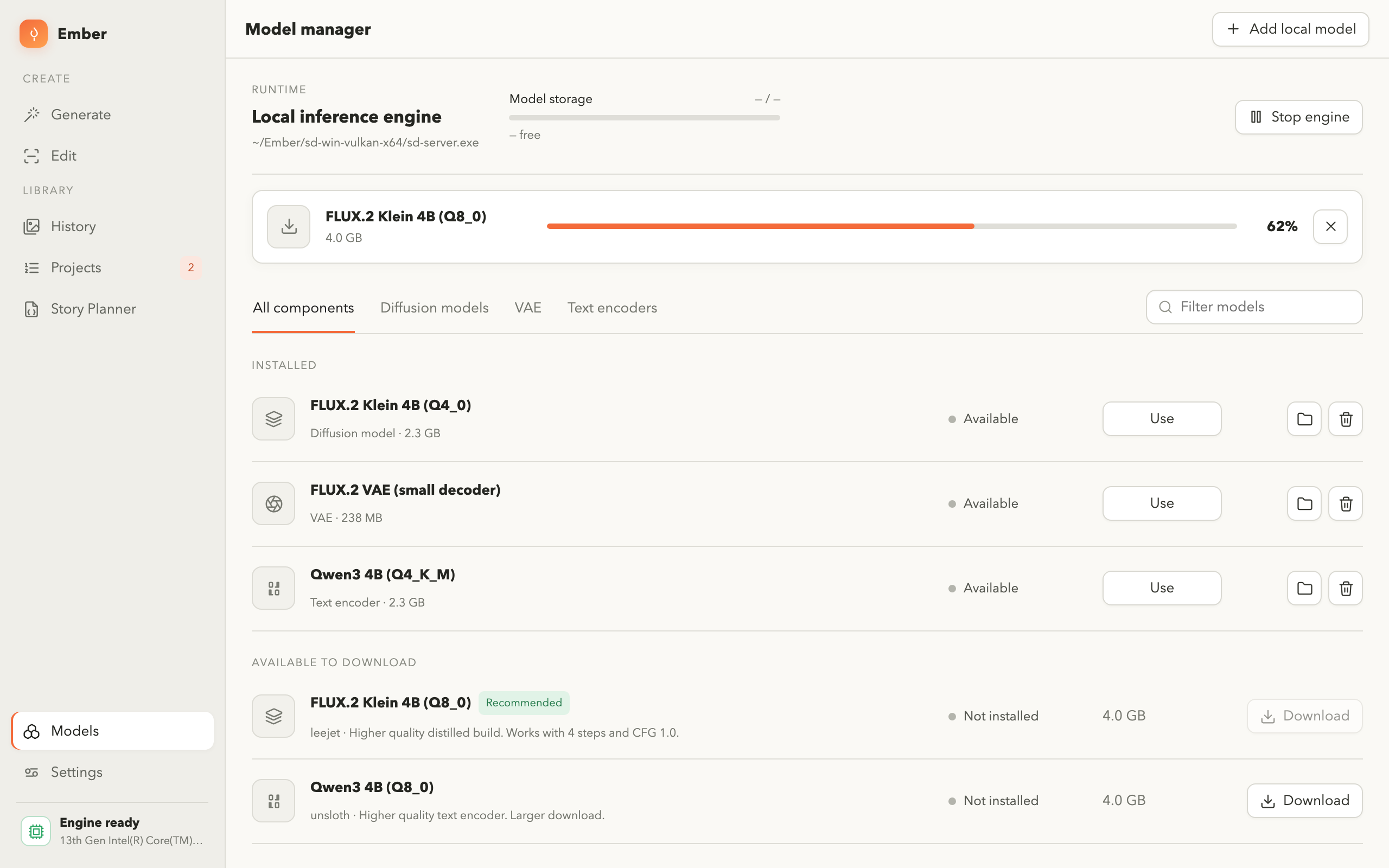
Ember uses the inference engine from stable-diffusion.cpp together with a model, and
expects both to be present on your computer. The app does not download the engine
itself — every screen tells you exactly what is missing and what to do about it. A
graphics card with enough memory makes generation dramatically faster. Video export
additionally uses ffmpeg.
Which versions are available?
Ember runs on Windows and on macOS. The Windows build is installed from the Microsoft
Store; the macOS build is downloaded from this page as a disk image. Both are the same
application and work the same way.
Can I use model files I already have?
Yes. Register any model file already on your disk and Ember reads it in place. Your
files are never copied, moved or modified.
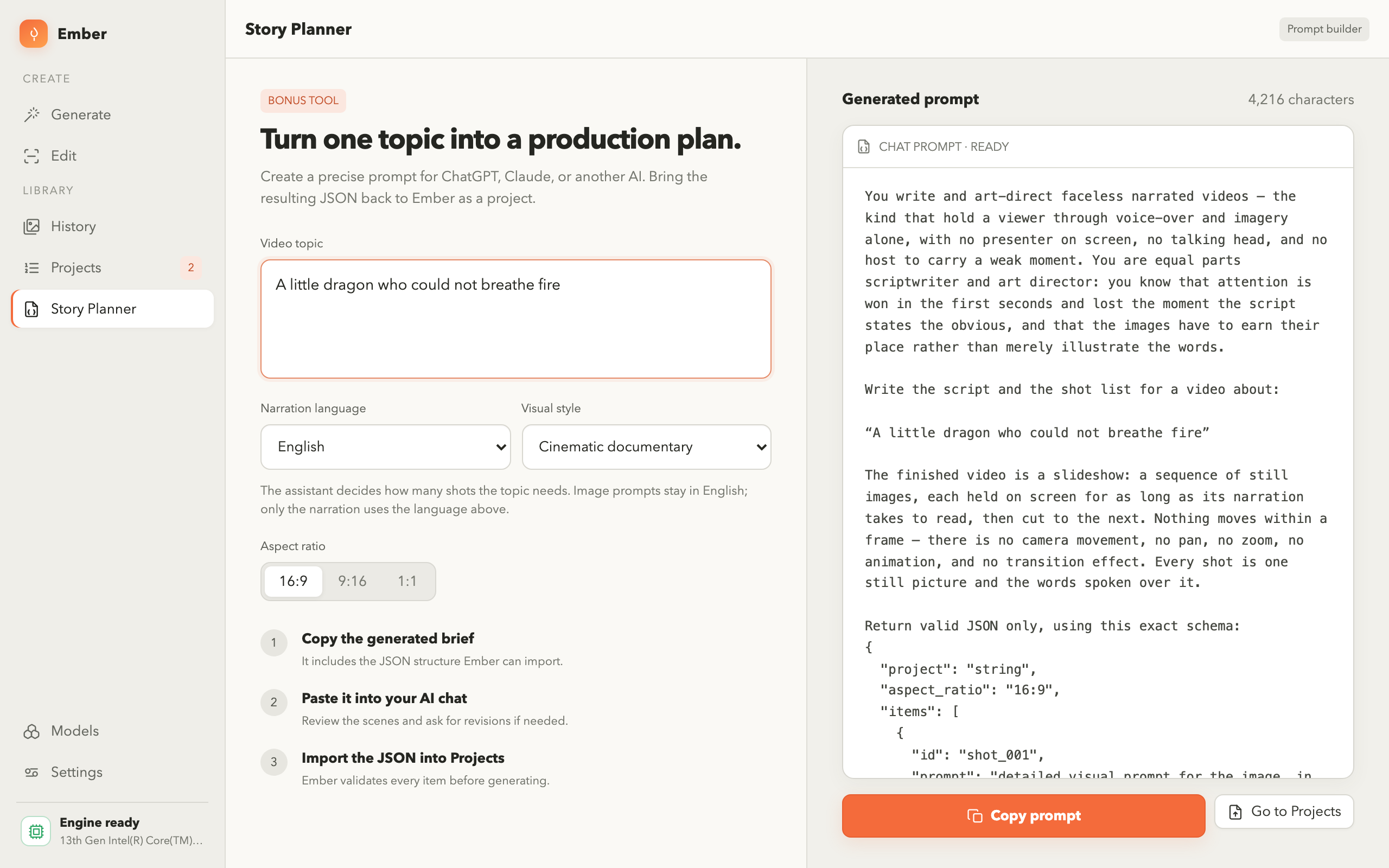
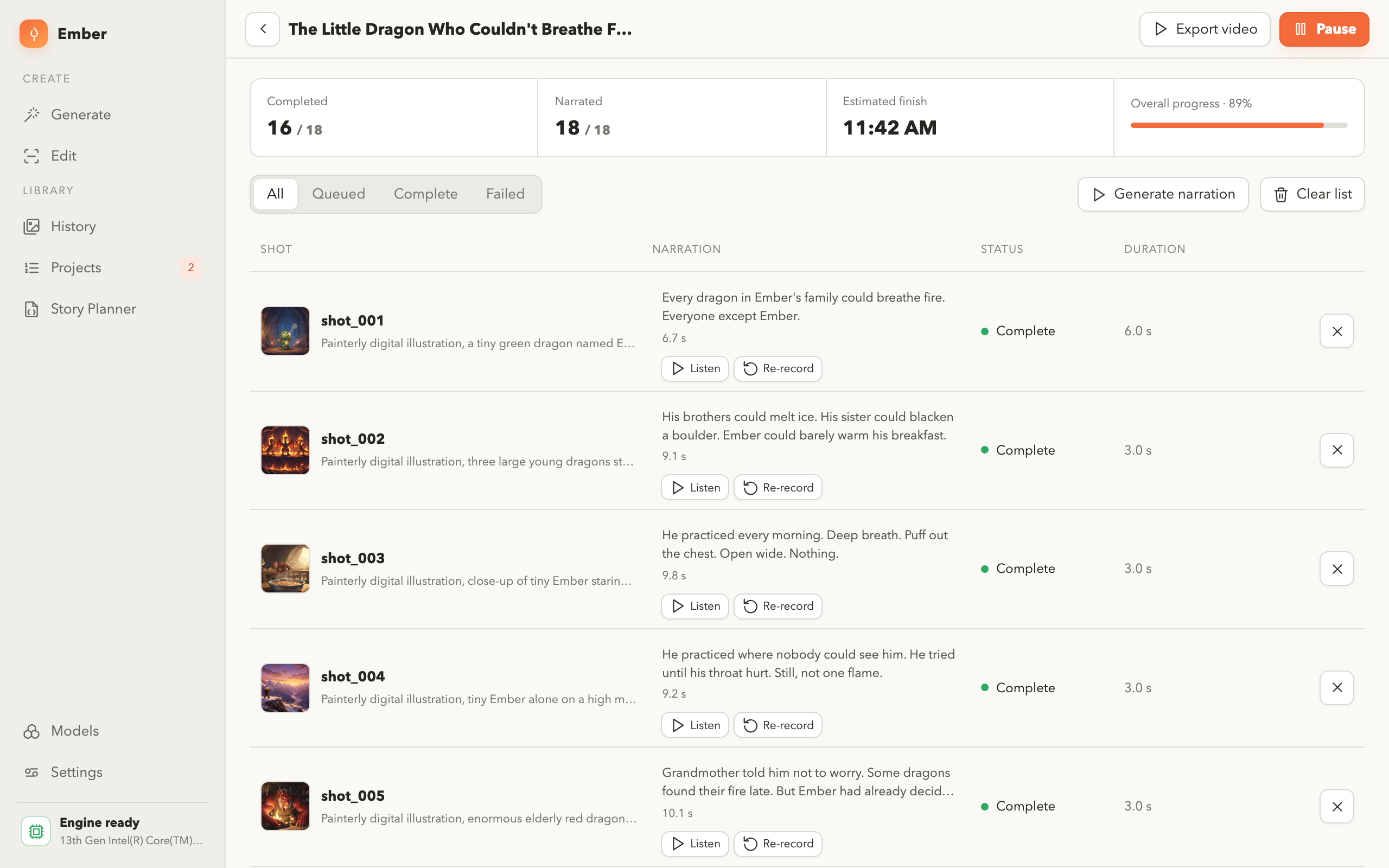
How does the video export decide the timing?
Each shot carries the narration spoken over it. That narration is recorded first, and
the image is then held on screen for exactly as long as its own line takes to say, so
picture and voice line up without any manual timing.
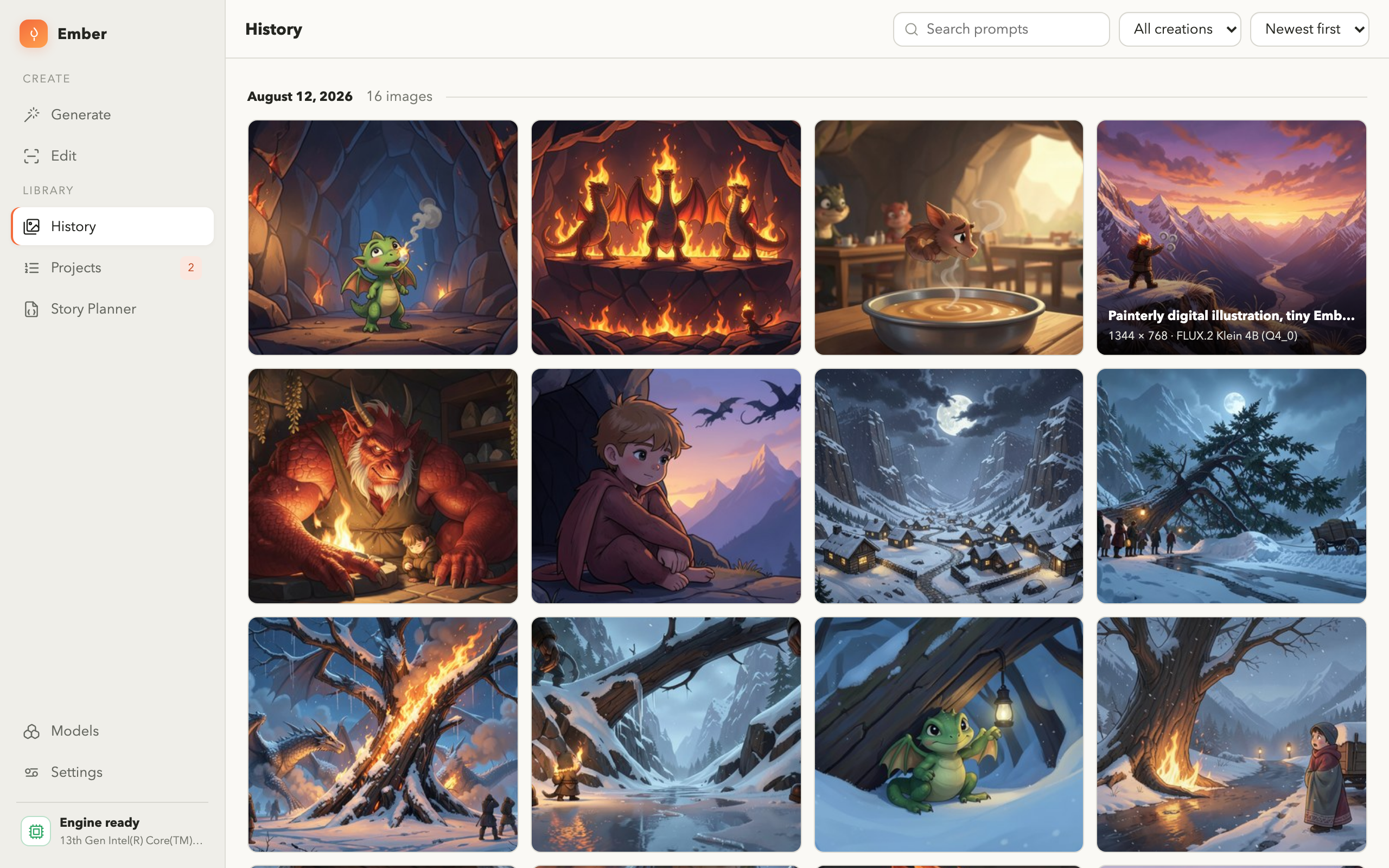
Where are my images stored?
In a folder in your user profile, along with the small database that records the
prompt, size and seed of each one. You can export any picture, or a whole selection,
to any folder you choose.
How do I get help?
Email support@iamdev.me. Questions, bug reports
and feature suggestions are all welcome.